TBC Monitoring
Monitoring from field to finish with confidence
Enables you to create comprehensive monitoring deliverables from survey data from GNSS, total stations, levels and more. Bring your designs, survey and monitoring data together in one software.
Need a Quote?
We’ll Call You
Simply enter your contact details and one of our specialists will call you to discuss your requirements and provide a detailed quotation.
Need a Quote?
We’ll Call You
Simply enter your contact details and one of our specialists will call you to discuss your requirements and provide a detailed quotation.

Simplify Campaign-Based Deformation Monitoring with Trimble Business Center
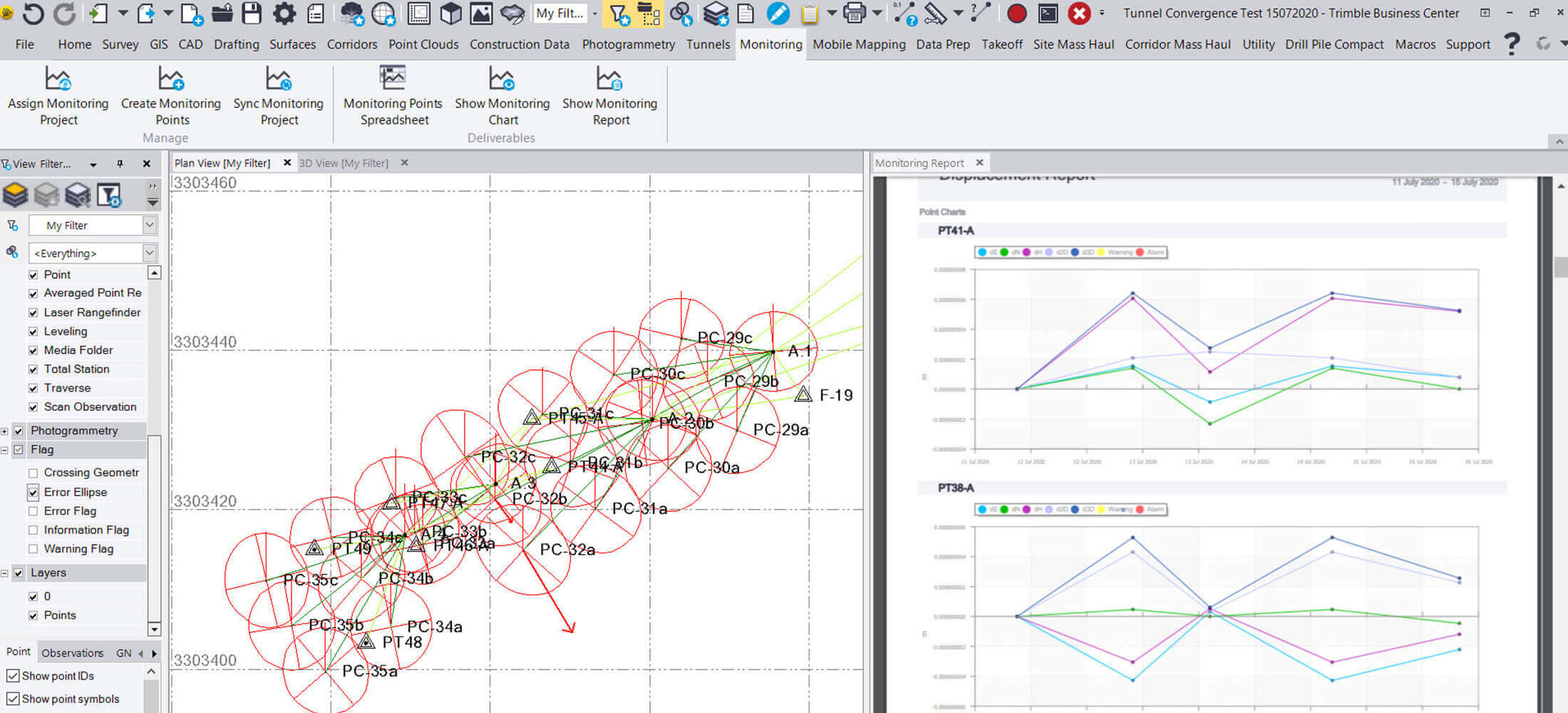
Trimble® Business Center (TBC) Monitoring office software enables survey and construction professionals to create comprehensive manual (also known as campaign-based) deformation monitoring deliverables using GNSS, total station, level, and point cloud data.
No longer will you need to separately manage large and complex spreadsheets for monitoring projects when using TBC. Bring your designs, survey, and monitoring data together in one software and save time by automating report creation and removing the need to manually manage survey monitoring data.
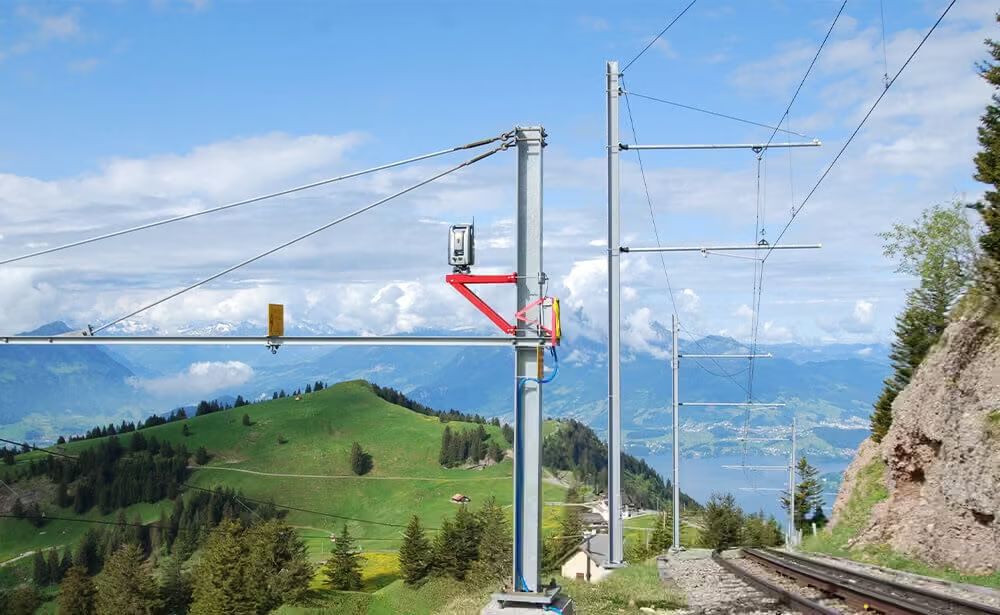
3D Visualization & Survey data integration
Utilize a simple set of tools for 3D visualization and creating customizable reports through integration of all survey monitoring data.
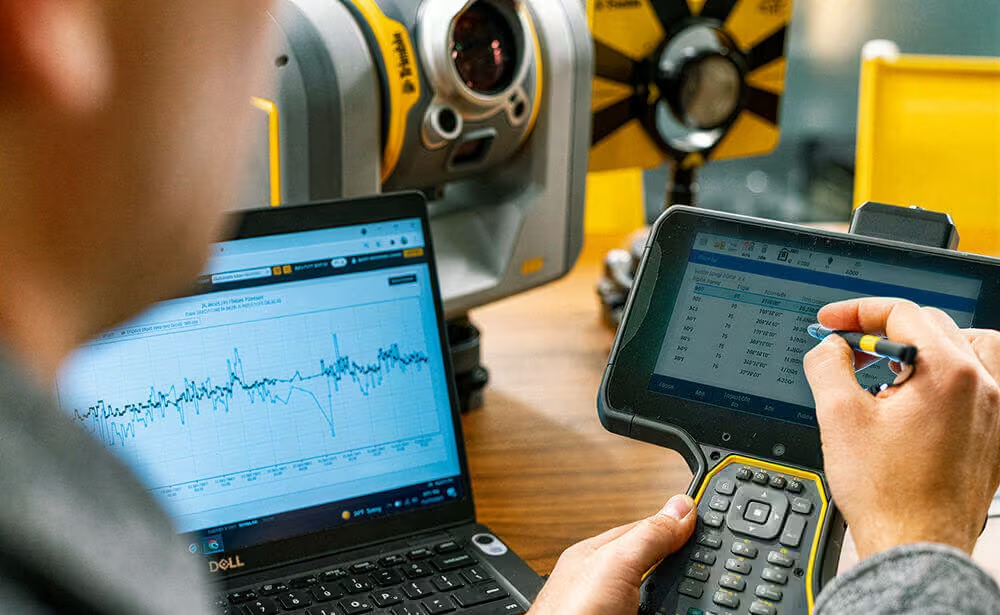
Leverage survey software strengths
Perform full network adjustments to ensure accuracy and utilize scan inspections to compare your scan data.
Powerful Tools to Analyze, Visualize, and Deliver Monitoring Results
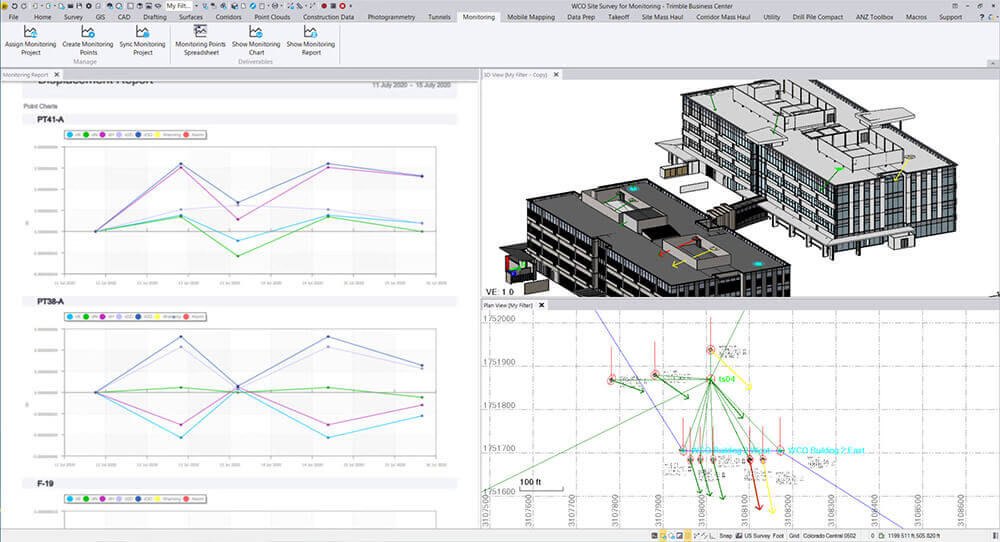
Complete Deliverables
Deliver reports, faster
Remove the need to manage complex spreadsheets and databases by automating your report creation from any campaign-based monitoring data in TBC.
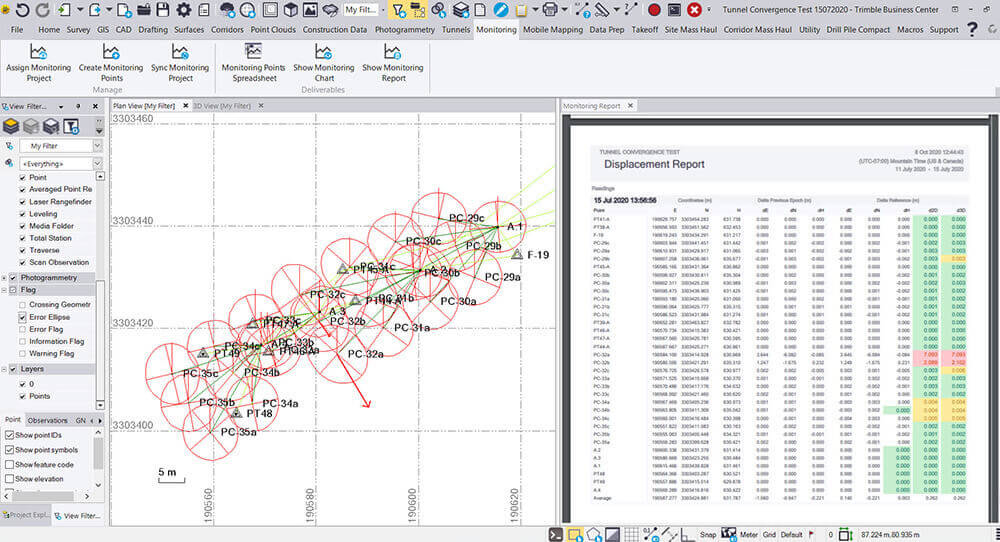
Advise Stakeholders
Define movement alarms
Define warning and alarm thresholds to flag points with significant movement for greater stakeholder awareness of site conditions and risks.
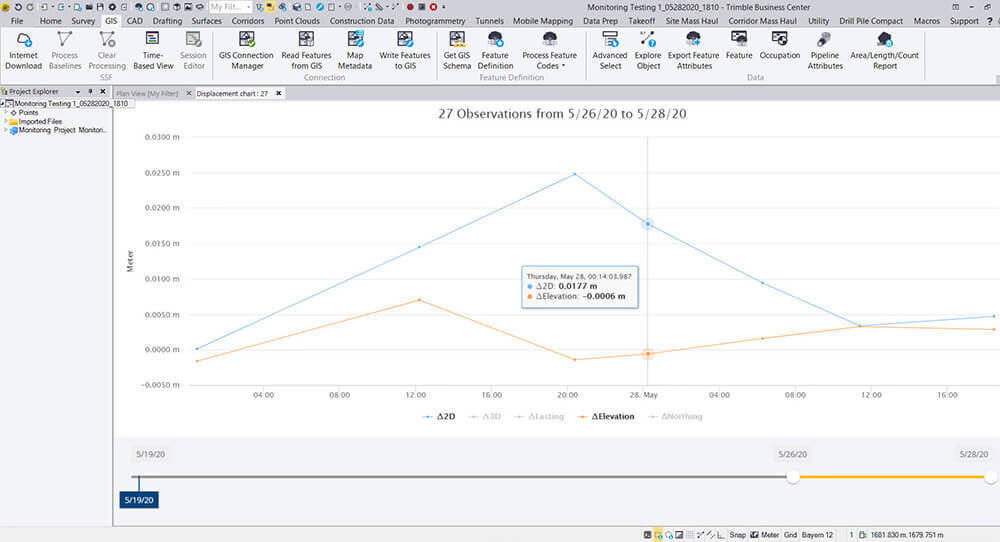
Visualize Trends
Quantify 3D displacement
Visualize and quantify movement patterns using 3D displacement vectors and generate comprehensive displacement reports and charts for client requirements.
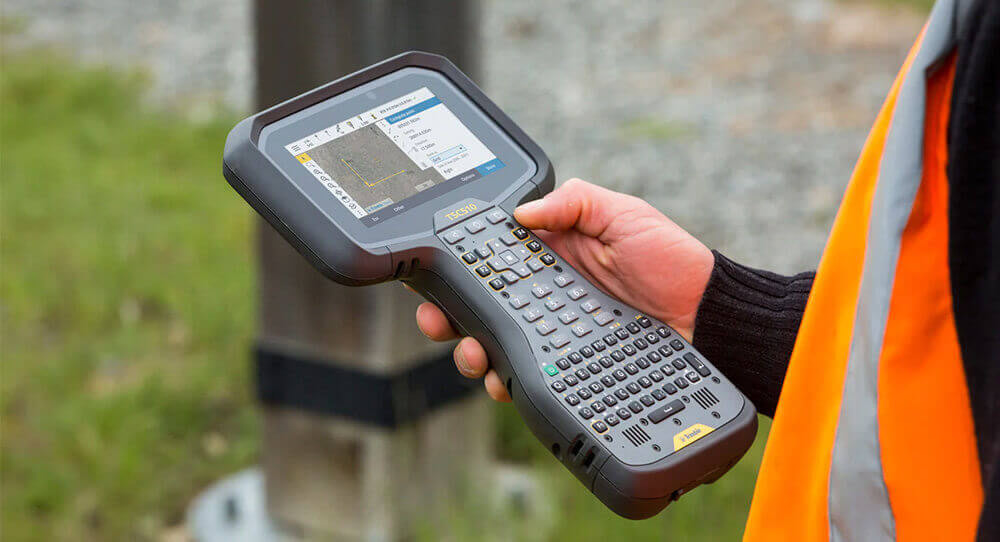
Streamline Workflow
Integrate with field software
Automatically create deliverables from data collected with Trimble Access™ Monitoring field software, reducing the time to deliver to your clients.
Simplify Monitoring Deliverables with Trimble business Center
Need a Quote?
We’ll Call You
Simply enter your contact details and one of our specialists will call you to discuss your requirements and provide a detailed quotation.
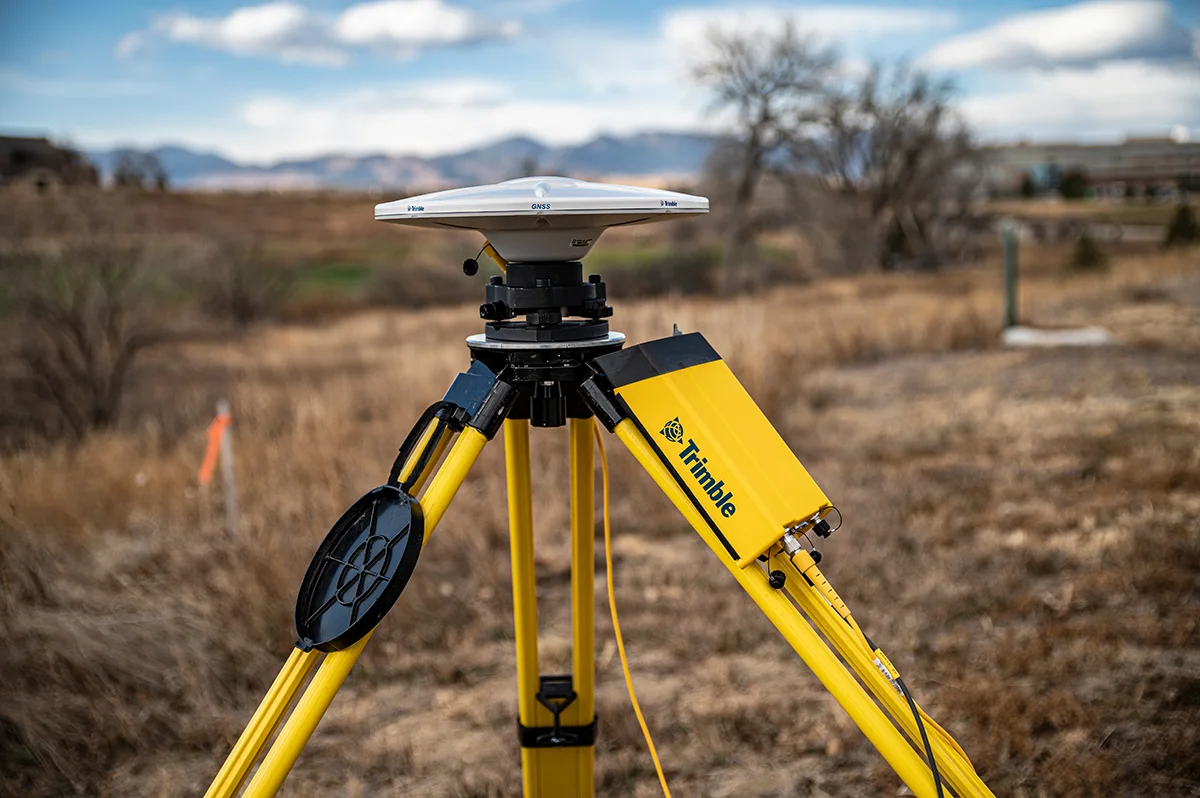
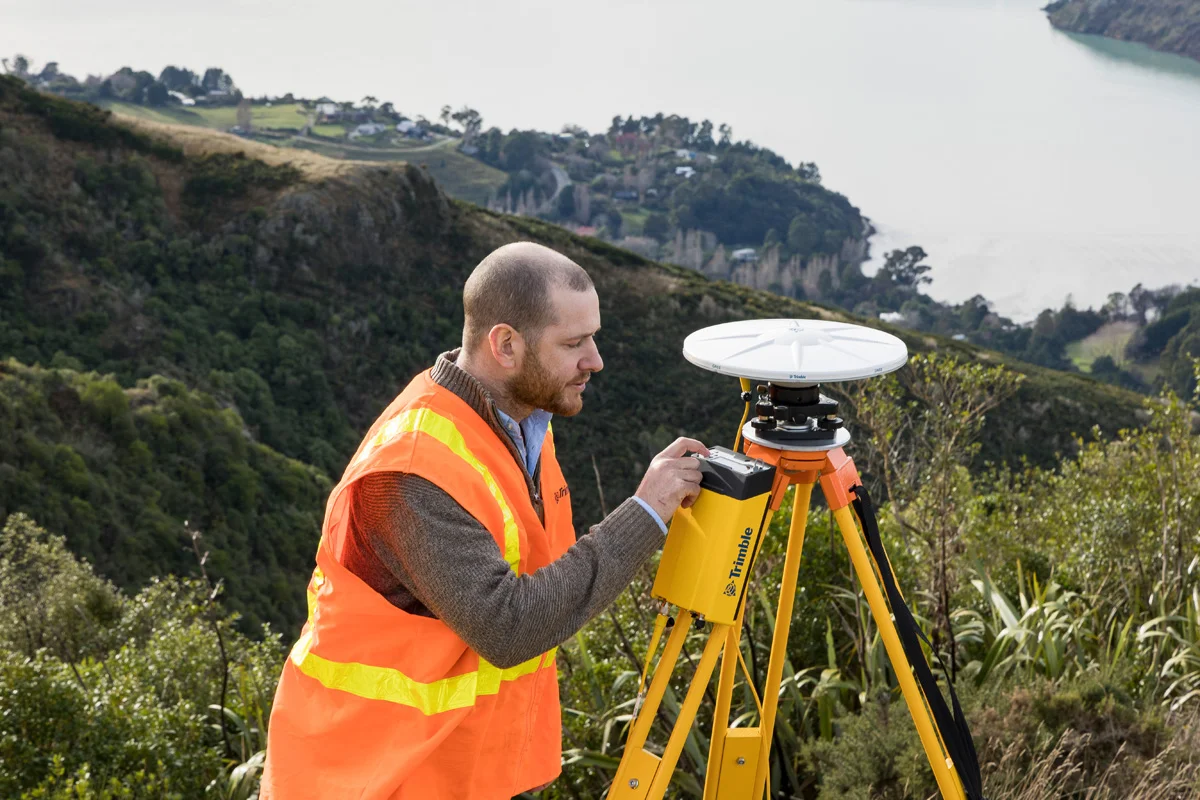
Typically, field surveys are conducted by using a total station, GNSS, and level sensors. Data collection is streamlined when utilizing field software applications such as Trimble Access Monitoring to reduce operator input and manual pointing errors, thereby increasing confidence in the data.
Once collected, the data can be transferred using a standard format such as via USB, email, or Dropbox. For advanced management and field-to-office connectivity, Trimble Sync Manager provides a seamless process for transferring survey data and designs between Trimble Access and TBC.
In the office, manual monitoring data is then imported into TBC, processed and adjusted to propagate any error as necessary, and synchronized with the Monitoring Project data. From here displacement reports and charts can be created per individual client requirements.
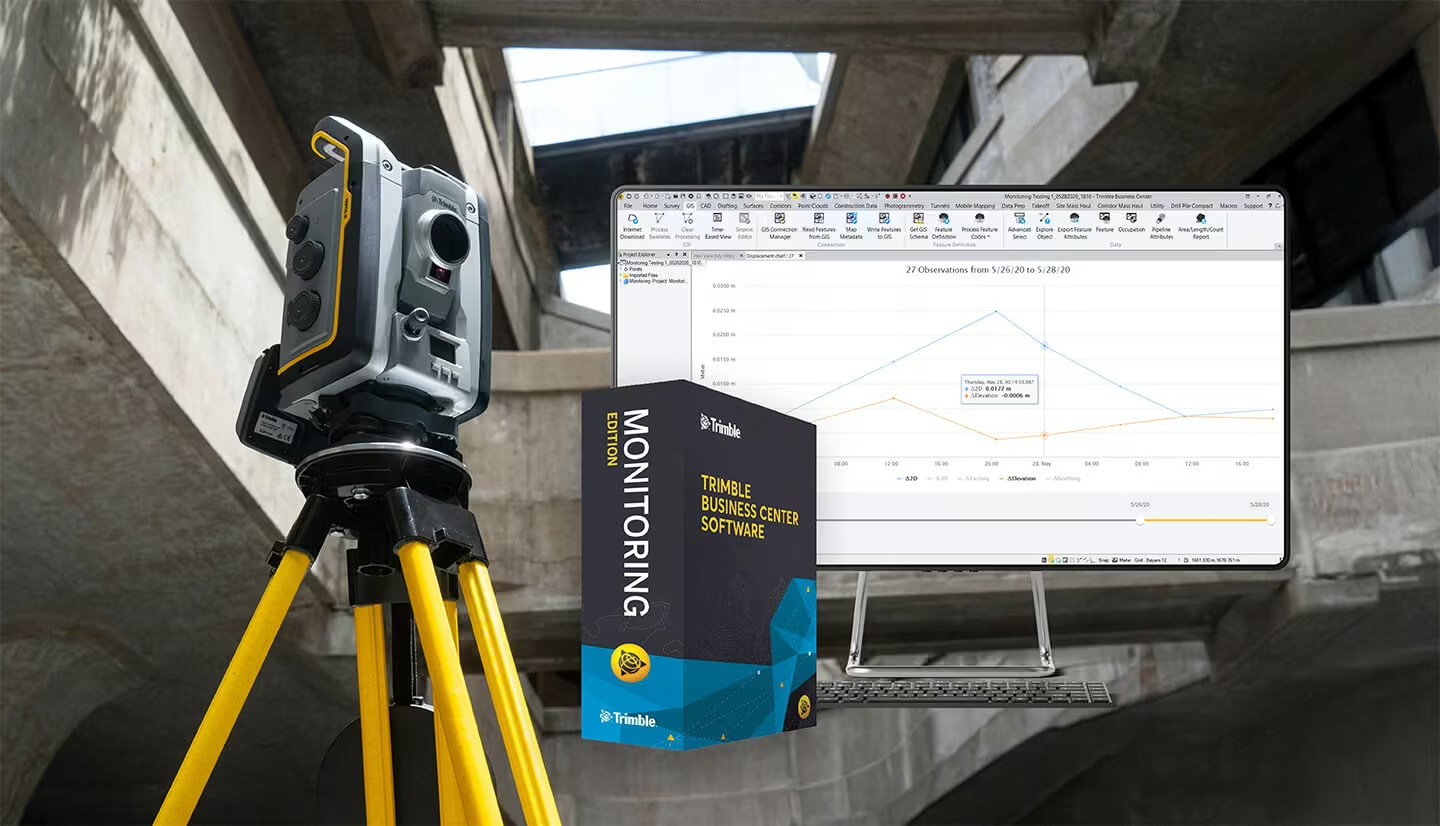
-
Create manual monitoring deliverables from all survey data – total station, GNSS, level, or scanning.
-
Define warning and alarm thresholds to flag points with significant movement.
-
Visualize movement patterns and magnitude using 3D displacement vectors.
-
View individual point movement trends using interactive charts showing thresholds in context of the movement levels.
-
Create comprehensive monitoring reports showing displacements for client requirements.
See TBC Monitoring in Action
Explore how TBC Monitoring brings survey and deformation data together with powerful visuals and intuitive workflows
Related Images


Related Media
Need a Quote?
We’ll Call You
Simply enter your contact details and one of our specialists will call you to discuss your requirements and provide a detailed quotation.
-

Trimble Access Monitoring
Providing a streamlined workflow for repeatable total station measurements common in deformation monitoring and precise control workflows.
-

Trimble 4D Control
Elevate your monitoring with Trimble® 4D Control (T4D) software. Deploy this automated movement detection solution to make better-informed decisions.